> For the complete documentation index, see [llms.txt](https://tgtaps.gitbook.io/tgtaps-docs/llms.txt). Markdown versions of documentation pages are available by appending `.md` to page URLs; this page is available as [Markdown](https://tgtaps.gitbook.io/tgtaps-docs/features/navigation.md).
# Navigation
Apps can contain many pages. A user can navigate between them via hash links. They can be inserted into text, blocks, images and buttons.
## Content
* [How to navigate between pages?](#how-to-navigate-between-pages)
* [How to create menu in the app?](#how-to-create-menu-in-the-app)
* [How to fix menu bottom overflow?](#how-to-fix-menu-bottom-overflow)
## How to navigate between pages?
To move to another page:
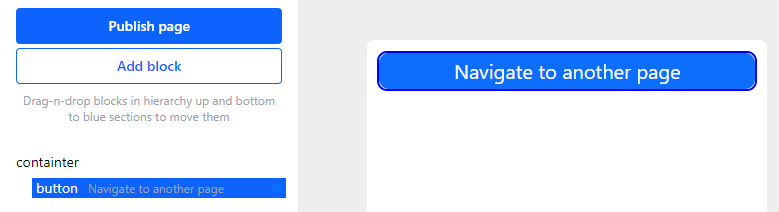
1. Add any block that can contain links:
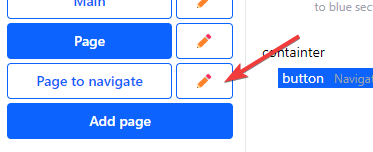
2. Open another page via the “pen” button:
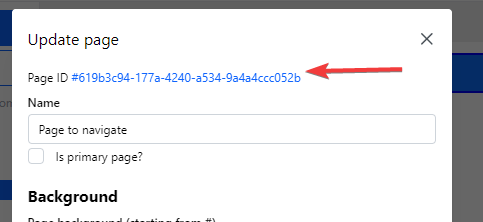
3. Click on the page ID (it will be copied):
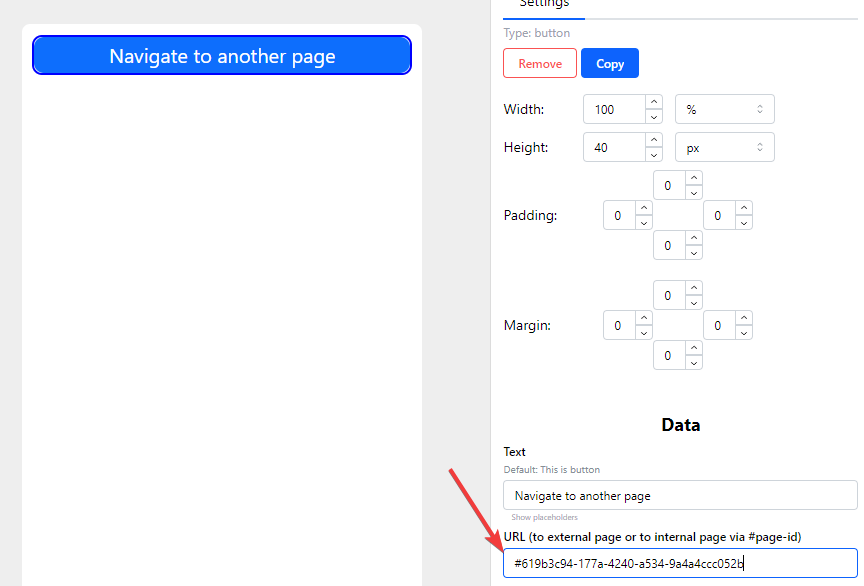
4. Insert page ID to the button (or text, or block) URL field:
## How to create menu in the app?
Please look in the video:
{% embed url="" %}
Please draw your attention:
* If you have 5 buttons, you need to set 19% of the screen width for buttons. In this case, buttons will have spaces between themselves. So do not set 100% to all buttons, you need to have empty space.
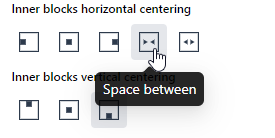
* Container should be set to “distribute items between”:
* You need to set link to another page to button's container, image and text, because the user can tap to any of these elements.
## How to fix menu bottom overflow?
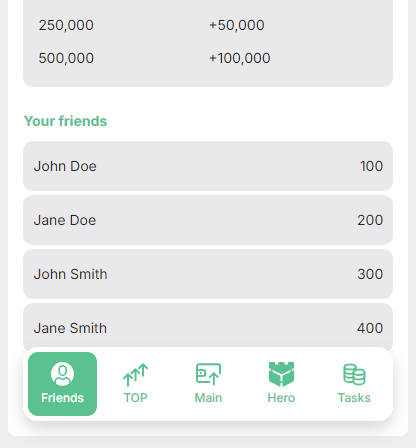
In case, if the menu overflows elements:
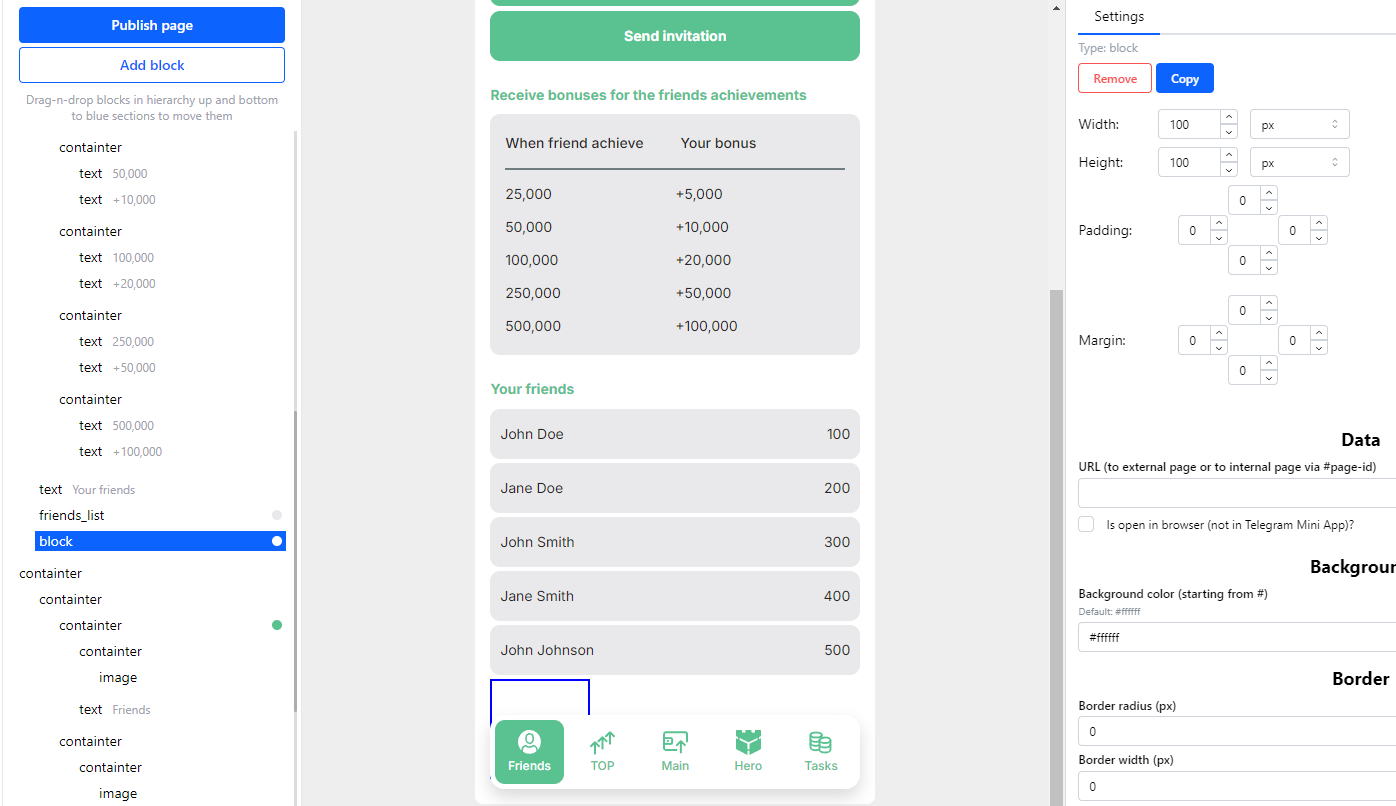
You need to add the empty block below:
***
Something unclear in docs or you know how to improve article? [Message us in community!](https://docs.tgtaps.com/tgtaps-docs/readme/community)\
We will answer you and then promise to improve the article within 3 days.